How to Find Hidden Cameras in an Airbnb (A 10-Minute Sweep)
Pro Spy Shop earns a commission if you buy through links on this page, at no extra cost to you. As an Amazon Associate I earn from qualifying purchases.
Most hosts are decent people, and most rentals don’t have hidden cameras. But it happens often enough that a quick sweep when you check in is worth the 10 minutes. You don’t need special training. A phone flashlight and a little method go a long way.
Airbnb’s own rules ban hidden devices and any cameras inside listings, so if you find one, you have real options.
Where Hidden Cameras Usually Hide
Cameras need two things: a view of the room and power. So start with anything that faces the bed, shower or seating area and is plugged in or recently installed.
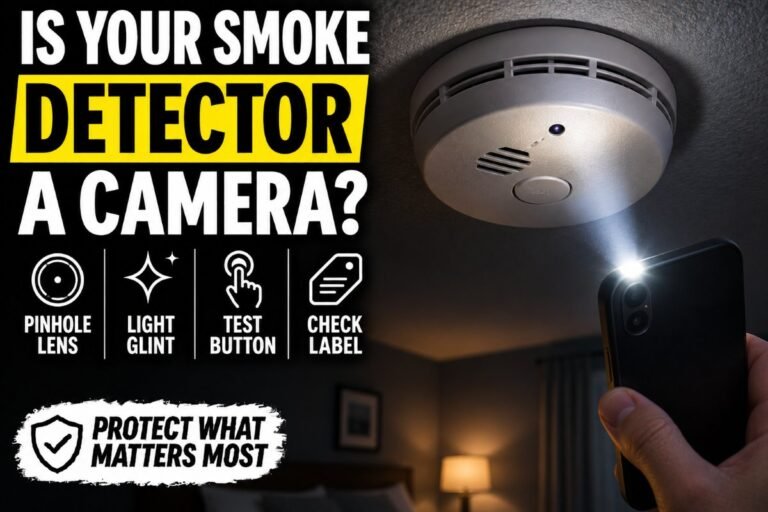
- Smoke detectors and carbon monoxide alarms, especially an extra one or one in an odd spot
- USB phone chargers and power strips left plugged in
- Alarm clocks, speakers and digital photo frames facing the bed
- Air purifiers, tissue boxes and decorative items with small holes
- Wall outlets, light switches and vent covers that look newer than the rest
- TVs, set-top boxes and anything with a blinking light
The 10-Minute Sweep
- Look before you unpack. Walk each room and note anything plugged in that faces the bed or bathroom.
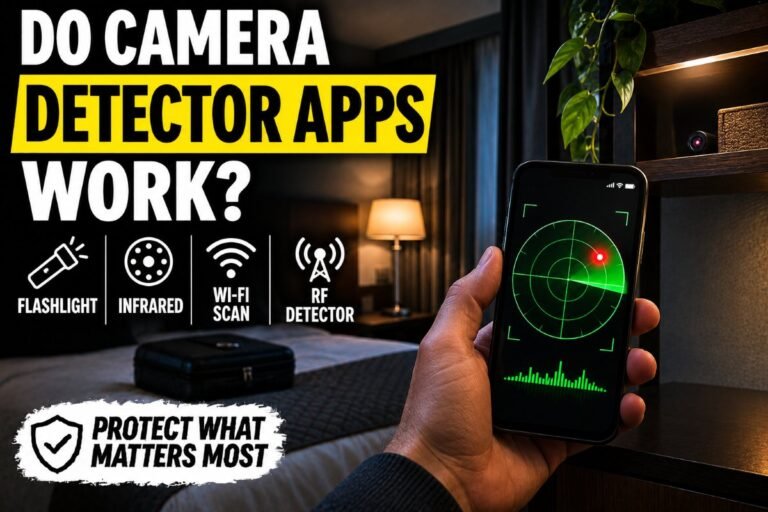
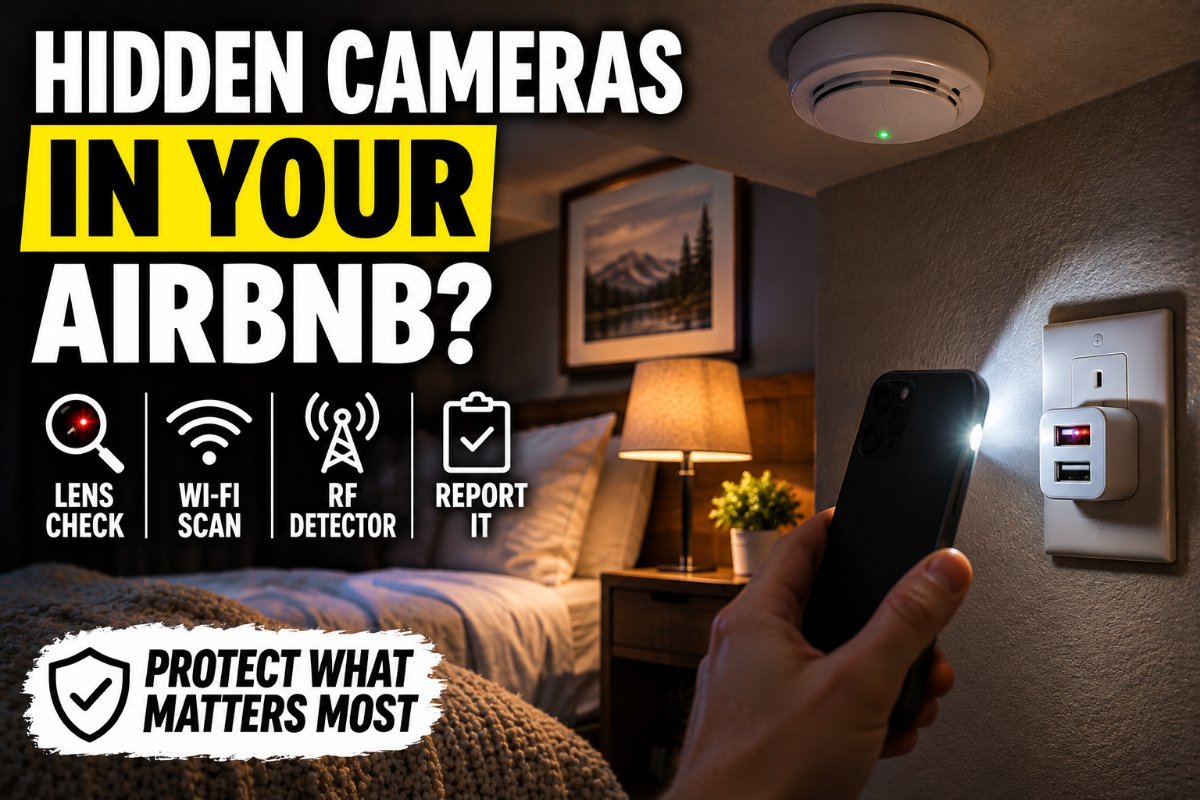
- Turn off the lights and close the curtains. Use your phone’s flashlight held near your eye and slowly scan the room. Camera lenses reflect light back as a tiny bright dot.
- Check with your phone camera for infrared. Many night-vision cameras use infrared LEDs. Your phone camera may show them as a faint purple or white glow in the dark. Note that some iPhone main cameras filter infrared, so try the front camera.
- Scan the Wi-Fi. A network scanner app can list devices connected to the rental’s Wi-Fi. Names with “cam,” “IPC” or brands like Wyze or Tapo are worth a closer look, though some cameras won’t show up this way.
- Inspect anything suspicious up close. Look for a pinhole in a charger, clock or detector.
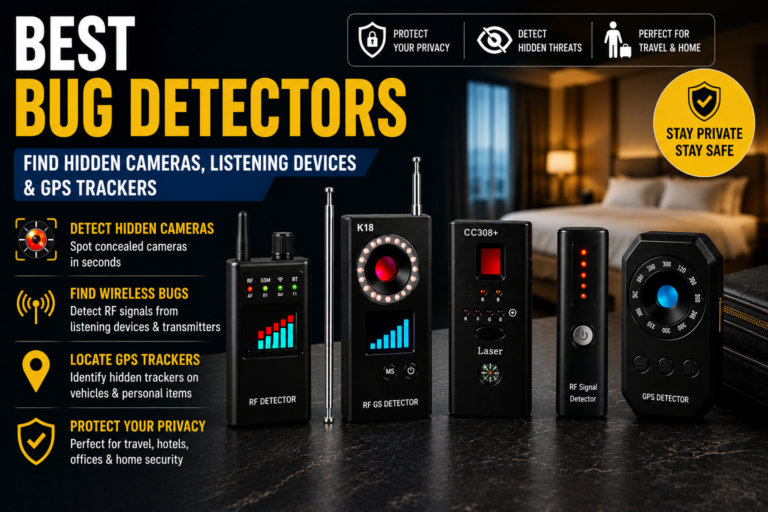
- Use a detector if you travel often. An RF detector or lens finder speeds this up.
If You Find a Camera
Don’t destroy it. Take photos of the device and where it was, then leave or cover it and contact Airbnb immediately. They can relocate you and investigate. If the camera was in a bedroom or bathroom, report it to local police too. Recording someone there can be a crime.
Tools That Make the Sweep Faster
| Product | Best For | Deal |
|---|---|---|
| JMDHKK M8000 RF Detector | Frequent travelers | Check Price on Amazon |
| Pocket Hidden Camera Lens Finder | Cheap, compact backup | Check Price on Amazon |
JMDHKK M8000 RF Detector: Frequent travelers
A well-known detector that picks up wireless signals from transmitting cameras and bugs and has a lens finder. It won’t catch cameras that only record to a memory card, which is why you still do the visual sweep.
Pocket Hidden Camera Lens Finder: Cheap, compact backup
Look through the red-filtered viewer while the LEDs flash. Lenses light up as bright red dots. Small enough to live in your toiletry bag.
Keep Reading
- Best Bug Detectors 2026: Find Hidden Cameras, Listening Devices and Trackers
- Best Hidden Cameras for Apartments
- Home Security and Surveillance Glossary: Terms Every Beginner Should Know
FAQ
Are hidden cameras allowed in Airbnbs?
No. Airbnb’s policy bans hidden devices and cameras inside listings. Hosts may have disclosed outdoor or doorbell cameras, but never in bedrooms or bathrooms.
Can my phone detect hidden cameras?
Partly. Your flashlight can reveal lens reflections, your camera may show infrared LEDs and a Wi-Fi scanner can list connected devices. None of these is perfect on its own, so use them together.
What should I do if I find a hidden camera?
Photograph it without destroying it, leave or cover it, contact Airbnb right away and call local police if it was in a private area.
Do RF detectors find every camera?
No. Cameras that record to a memory card without transmitting won’t show up. That’s why a visual and lens check matters.