Holiday Travel Security: Protect Your Phone, Bags and Identity
Pro Spy Shop earns a commission if you buy through links on this page, at no extra cost to you. As an Amazon Associate I earn from qualifying purchases.
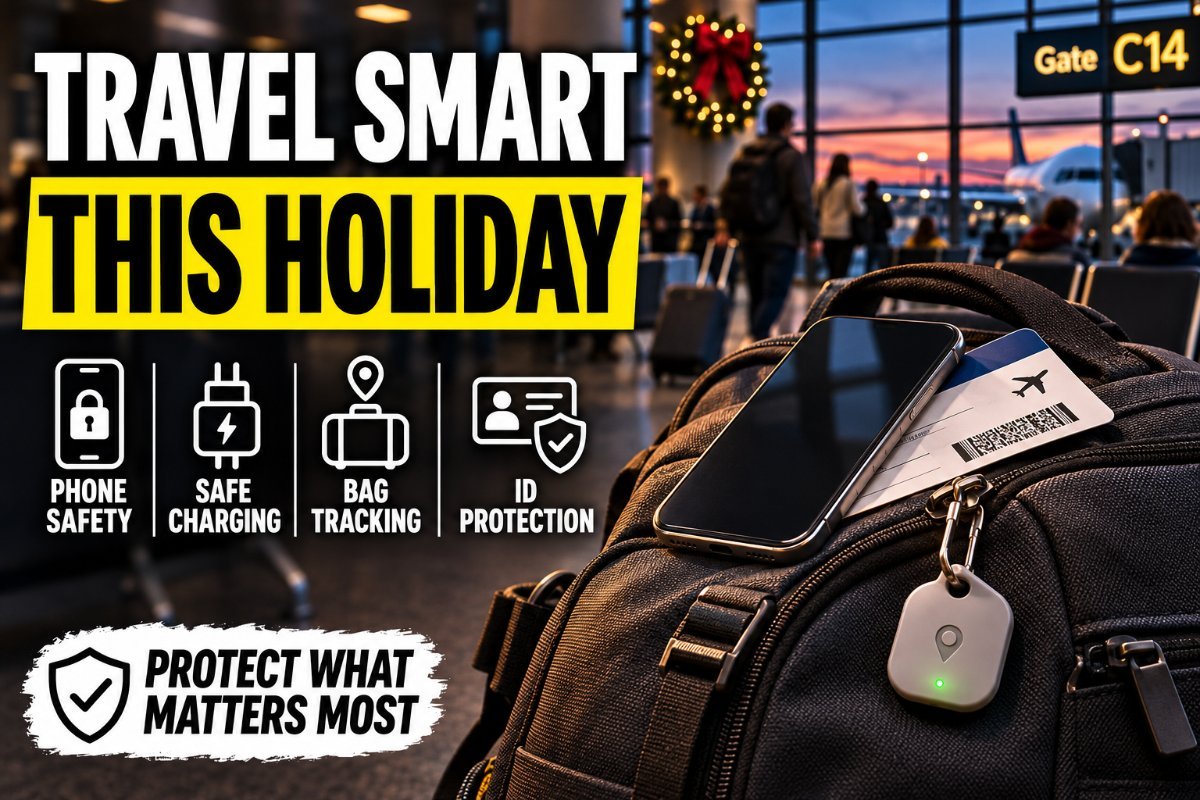
The holidays mean crowded airports, rushed security lines and lots of time on public Wi-Fi. That’s when phones go missing, bags walk off and people get careless with accounts.
A little prep before you leave makes a lost phone an inconvenience instead of a disaster.
Before You Leave
- Turn on Find My (iPhone) or Find My Device (Android) and make sure you know your account password.
- Turn on Stolen Device Protection on iPhone, or theft protection features on Android, which make it harder for a thief who knows your passcode to change your account.
- Set a strong passcode, not a 4-digit one or your birthday.
- Back up your phone.
- Remove your home address from luggage tags. Use your phone number or email instead.
- Put a tracker in checked bags.
At the Airport and on the Road
- Avoid public USB charging ports. Use your own wall charger or a USB data blocker.
- Treat airport and hotel Wi-Fi as public. Use your phone’s hotspot or a VPN for banking.
- Keep your phone in a front pocket or zipped bag in crowds.
- Watch your bins at security. Send bags through last so you’re there when they come out.
- Don’t post your trip live. Share photos when you’re home.
If Your Phone Is Lost or Stolen
- Use another device to mark it lost in Find My or Find My Device.
- Call your carrier to suspend the line and prevent SIM swapping.
- Change your email and banking passwords from a trusted device.
- Watch your accounts for unusual activity.
- Report it to police if it was stolen. You may need the report for insurance.
Gear That Helps
| Product | Best For | Deal |
|---|---|---|
| Apple AirTag | Tracking checked bags | Check Price on Amazon |
| PortaPow USB Data Blocker | Charging safely in public | Check Price on Amazon |
Apple AirTag: Tracking checked bags
See where your suitcase is, even when the airline isn’t sure.
PortaPow USB Data Blocker: Charging safely in public
Lets you charge from public USB ports without exposing your phone’s data connection.
Keep Reading
- Gifts for Travelers Who Value Their Privacy
- One Setting That Makes Hackers Give Up Instantly
- The Email That Almost Cost Me Everything: 9 Phishing Red Flags
FAQ
Is airport Wi-Fi safe?
Treat it as public. Avoid sensitive accounts or use a VPN or your phone’s hotspot.
Are public charging stations dangerous?
The risk is low but real. A wall outlet with your own charger or a USB data blocker removes it.
What should I do first if my phone is stolen while traveling?
Mark it lost in Find My or Find My Device, then call your carrier to suspend the line.
Should I put my address on my luggage tag?
Use your phone number or email instead. An address on a tag tells strangers your house may be empty.
Frequently Asked Questions
Lock it with a strong passcode, turn on Find My, and avoid public USB charging ports by using your own charger or a data blocker.
Treat it as public. Use a VPN or your phone’s hotspot for anything sensitive.
Report it to local police and the airline or hotel, freeze your cards, and change passwords for anything that was logged in.