How to Check If Your Phone Has Spyware (and What to Do)
Stalkerware is spyware someone installs on another person’s phone to read messages, track location or listen in. It usually requires physical access to your phone, which is why it so often comes from someone close.
Here’s how to check both iPhone and Android, and how to deal with it without putting yourself at risk.
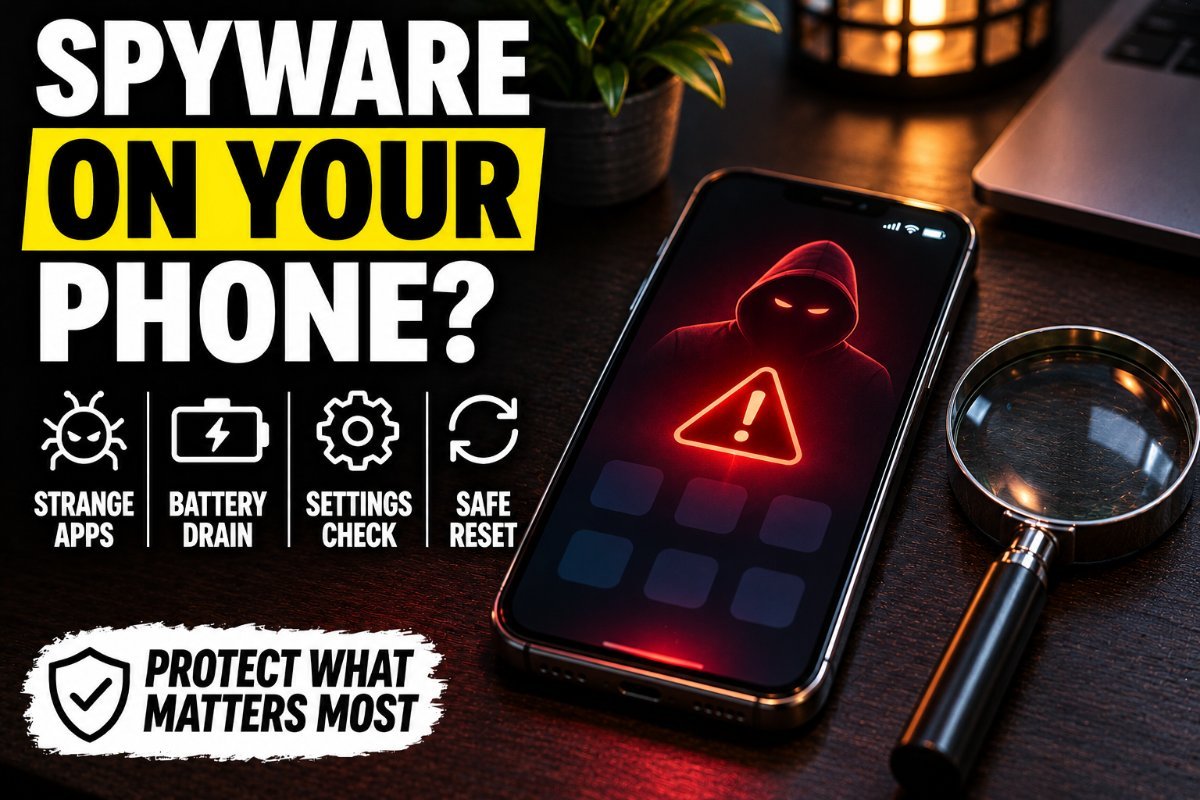
Warning Signs
- Someone knows things you only said in texts or calls.
- Your battery drains faster than usual or the phone runs hot while idle.
- Data usage jumps for no reason.
- You see apps you don’t recognize, or apps with generic names like “System Service.”
- Security settings were changed, like screen lock removed or app installs from unknown sources allowed.
- Your phone was out of your hands, unlocked, with someone you’re worried about.
None of these proves spyware alone, but several together are worth a closer look.
How to Check an iPhone
- Settings > General > VPN & Device Management. Look for profiles you didn’t install. A management profile on a personal phone is a red flag.
- Check your Apple ID: Settings > your name > look at the devices list and remove any you don’t recognize. Change your Apple ID password.
- Run Safety Check (Settings > Privacy & Security > Safety Check) to review who has access to your location and data.
- Look for jailbreak apps like Cydia or Sileo. Spyware on iPhone often needs a jailbreak.
- Update iOS. Updates often remove jailbreaks.
How to Check an Android Phone
- Settings > Apps, show system apps, and look for anything unfamiliar.
- Settings > Security > Device admin apps. Spyware often gives itself admin rights.
- Settings > Accessibility. Stalkerware frequently abuses accessibility permissions to read the screen.
- Open Google Play Store > Play Protect and run a scan.
- Check that “Install unknown apps” is off for every app.
Remove It Safely
If you’re in a relationship where you fear for your safety, think before removing spyware, because the person may notice. Consider using a different phone to contact a domestic violence advocate first. When you’re ready, a factory reset removes nearly all spyware. Then change every important password from a device you trust and turn on two-factor authentication.
Keep Reading
- One Setting That Makes Hackers Give Up Instantly
- The Email That Almost Cost Me Everything: 9 Phishing Red Flags I Missed (and How to Catch Them Fast)
- How to Tell If There’s a GPS Tracker on Your Car
FAQ
Can someone install spyware on my phone without touching it?
It’s rare for regular people. Most stalkerware requires physical access or your account password. Sophisticated remote spyware exists but is typically used against high-profile targets.
Does a factory reset remove spyware?
In nearly all cases, yes. Don’t restore from a backup made after the spyware was installed, and change your passwords afterward.
Can antivirus apps find stalkerware?
Many security apps can detect common stalkerware on Android. iPhone apps are more limited, so manual checks matter more there.
Who can help if I’m being monitored?
In the US, the National Domestic Violence Hotline can help with safety planning, including tech safety. Local police can take a report.
Frequently Asked Questions
Watch for fast battery drain, unusual data use, a hot phone at rest and apps you don’t remember installing.
In most cases, yes. Back up photos and contacts first, then reset and reinstall apps from the official store.
Keep a passcode on it, update the system, and never let anyone else hold your unlocked phone.