Is an AirTag Tracking You? How to Detect an Unknown Tracker
Bluetooth trackers like AirTags are great for finding your keys. They’ve also been misused to secretly follow people. The good news is that iPhones and Android phones now have built-in protections that can warn you when an unknown tracker is traveling with you.
Here’s how those alerts work, how to scan manually and what to do if you find one.
On iPhone
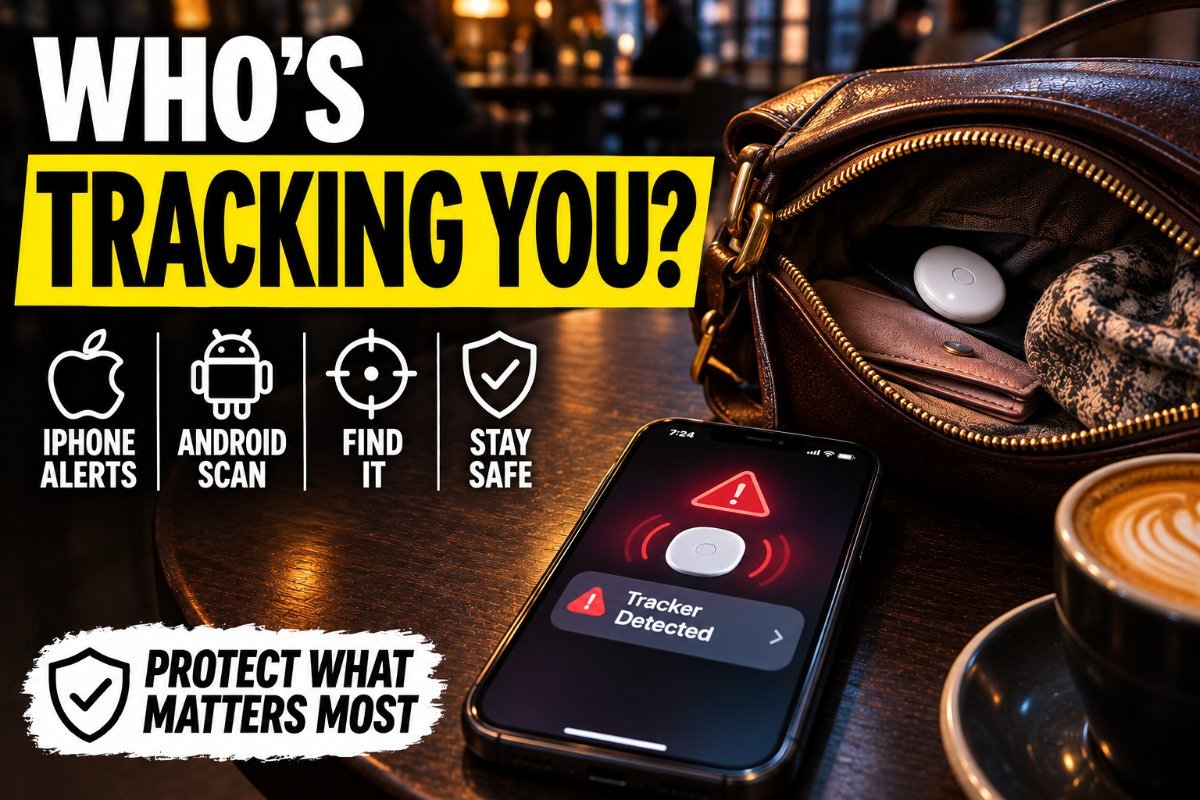
If an AirTag or other Find My accessory separated from its owner is moving with you, your iPhone can show an alert like “AirTag Found Moving With You.” Tap it to see a map of where it’s been detected and to play a sound to find it.
Make sure the alerts can reach you: turn on Location Services, Bluetooth, Find My and tracking notifications (Settings > Notifications > Tracking Notifications).
On Android
Most Android phones running Android 6.0 or newer get unknown tracker alerts automatically through Google. You can also scan manually: go to Settings, then Safety & emergency (the name varies by phone), then Unknown tracker alerts, then Scan now. The scan takes about 10 seconds and shows trackers near you that are separated from their owners.
Other Signs
An AirTag separated from its owner for a while will start chirping. If you hear an unfamiliar beep from your bag, car or coat, look for it. Check purses, coat pockets, car seats, under bumpers and inside luggage linings.
If You Find One
- If you feel unsafe, go to a public place or police station before disabling it.
- On iPhone, hold the top of your phone near the AirTag to see its serial number and, sometimes, partial owner info. Screenshot it. On Android, the alert lets you view the same info.
- Don’t throw it away. It may be evidence. Apple can share owner details with police under a valid legal request.
- To stop it reporting your location, remove the battery: press down on the back and twist counterclockwise.
- Report it to local police, especially if you suspect someone you know.
Keep Reading
- How to Tell If There’s a GPS Tracker on Your Car
- How to Check If Your Phone Has Spyware
- Best Bug Detectors: Find Hidden Cameras, Listening Devices and Trackers
FAQ
Can an AirTag track me without me knowing?
Anti-stalking alerts make it much harder, but alerts can be delayed and older phones may not get them. Run a manual scan if you’re worried.
Do Android phones detect AirTags?
Yes. Modern Android phones get unknown tracker alerts and can scan manually in settings.
Do bug detectors find AirTags?
Most RF bug detectors aren’t designed for low-power Bluetooth trackers. Your phone’s built-in tracker alerts and manual scan are more reliable.
Is it illegal to track someone with an AirTag?
In many places, yes, especially without consent. Report unwanted tracking to police.
Frequently Asked Questions
iPhones show an alert for an unknown AirTag traveling with you. Android users can run a tracker scan from settings or Apple’s Tracker Detect app.
Note where you found it and take a photo. If you feel unsafe, contact the police before disabling it, since it’s evidence.
Yes. Check wheel wells, bumpers, under seats and the trunk if you suspect one.